A Better Dashboard Starts With the Truck, Not the Screen
By weiyi weiyi · 2026-11-05
Check the vehicle configuration
A pickup owner usually notices the problem on the first drive after a radio upgrade. The display looks modern, but the steering-wheel buttons behave strangely, the reversing camera takes too long to appear, or the heating controls no longer respond as expected. Large screens are easy to compare in photographs. Integration is harder, especially on trucks that have several factory trim levels, different audio packages and model-year wiring changes. Before ordering anything, write down the exact year, trim, original screen size and whether the vehicle has a premium amplifier. Those four details eliminate a surprising number of bad matches.
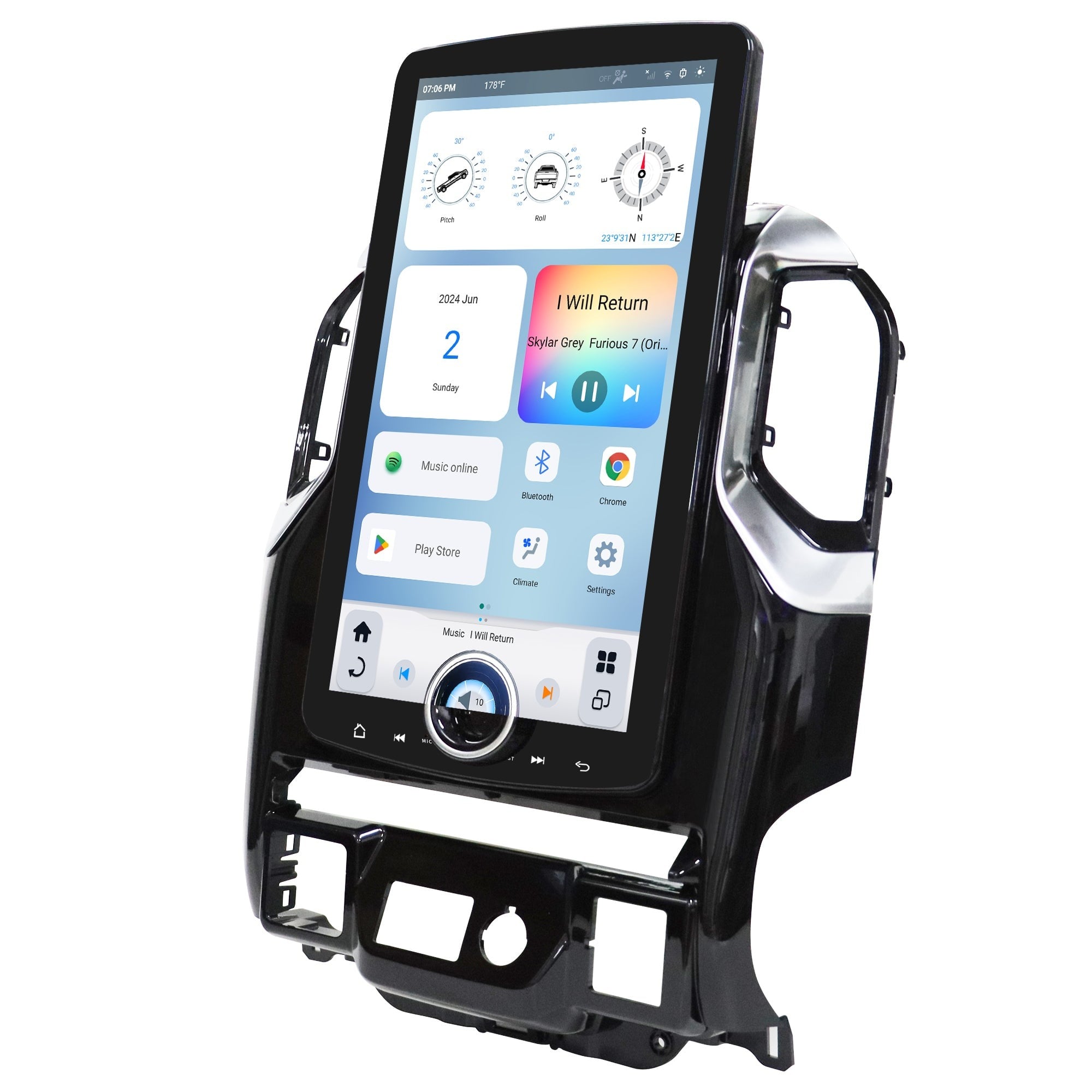
For a Ford owner considering a t style radio for ford f150, the first question is not screen resolution. It is what stays connected after the original head unit comes out. The kit needs to work with the correct dashboard trim, CAN-bus signals, factory camera and amplifier where applicable. Some vehicles use different connectors even within the same generation. Ask the seller for a photograph of the actual harness and an installation guide for your configuration. A claim that a radio fits “F-150 2015–2020” is too broad to settle every compatibility issue.
Test integration before final assembly
RAM owners have a slightly different set of checks. A tesla style radio for ram 1500 can take over much of the centre console, making the original climate interface part of the replacement system. That makes boot time, on-screen button layout and access to defrost controls more important than they would be on a conventional radio. If the truck has heated seats or a 360-degree camera, ask for a demonstration of those features running on the proposed unit. A good-looking product photo does not show whether the reverse camera switches reliably when the vehicle is cold.
XAutoStereo lists replacement systems for several pickup and SUV platforms, which makes it a useful starting point for comparing layouts and vehicle-specific kits. Still, a purchase should be approved against the exact vehicle configuration, not a generic marketing image. Request the harness details and a clear answer about factory features that will not be retained. That information is worth more than an impressive processor specification when the truck is used every day.
Wireless CarPlay and Android Auto deserve a test with the phone that will actually be used. Reconnection behaviour can change with phone software updates, and a wireless connection may be less stable in areas with heavy radio interference. Check microphone placement, whether calls use the factory microphone or a new one, and whether the navigation voice can be heard over music. On vehicles with a factory subwoofer, confirm that the amplifier turns on correctly and that fading between speakers still works. These small details decide whether the upgrade feels integrated or simply bolted on.
Installation should be planned as a reversible job. Photograph the original connectors before disconnecting anything, keep the factory parts, and route USB leads where they cannot be pinched by dashboard clips. Disconnect the battery when the installation instructions require it and avoid modifying the original loom until the compatibility issue is understood. An adapter harness is usually preferable to cutting wires. Once fitted, test the radio before snapping the entire dashboard back together: camera, indicators, fan speed, steering controls, charging ports, audio sources and ignition shutdown all belong on that quick checklist. One useful request is a short video showing the unit starting from a fully powered-off truck rather than waking from standby. This reveals how long the driver waits for the camera and audio system. If the seller offers multiple memory or screen configurations, compare only the versions supported for the exact trim; a different faceplate or controller can change compatibility.