Digital Business Card: What It Is and How to Create One Free
WHAT A DIGITAL BUSINESS CARD ACTUALLY IS
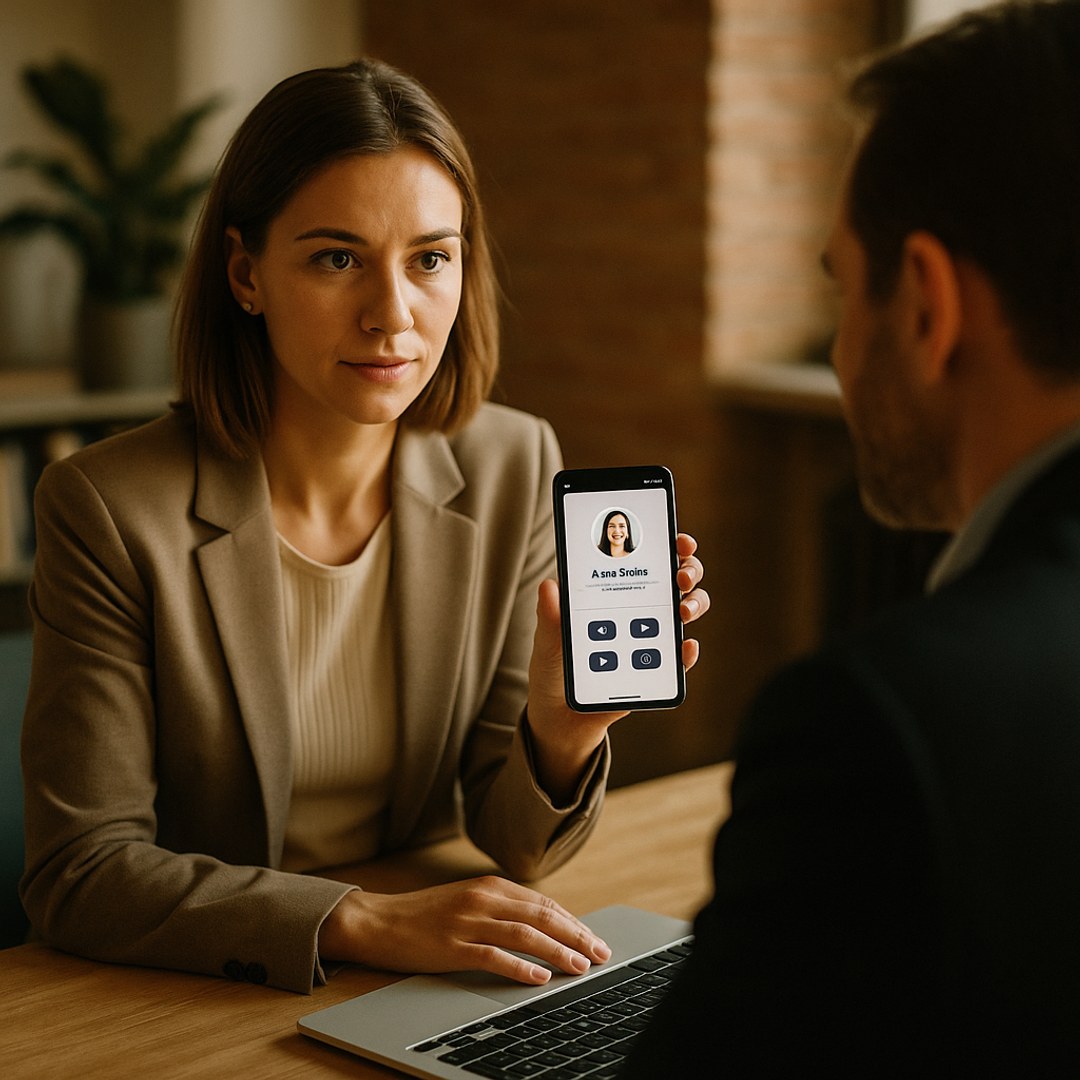
A digital business card is a single webpage or profile that holds your name, phone number, email, job title, company name, and links to your website or social media. It works like a paper card, except it lives online and can be shared via a link, QR code, or email. Some versions let you add a photo, bio, services you offer, and even a calendar link so people can book time with you directly. The key difference from a paper card: you can update it anytime without reprinting, and it reaches people instantly regardless of where they are.
WHY PROFESSIONALS ARE MOVING TO DIGITAL CARDS
Paper business cards work fine for face-to-face meetings, but they get lost, thrown away, or stuck in a drawer. A digital card stays accessible forever. If someone meets you at a conference and loses your card, they can still find your information if you share a link or QR code. For remote workers, freelancers, and entrepreneurs who rarely meet clients in person, a digital card makes more sense than printing hundreds of cards that sit unused. Digital cards also let you include live links to your portfolio, booking page, or latest work. That means someone who receives your card can click directly to your Instagram, schedule a call, or visit your website without typing anything. On top of that, a well-made digital card can improve your visibility in search results when potential clients or customers look for your name or services.
THE SIMPLEST WAY TO CREATE ONE FREE
You don't need coding skills or expensive software. Several free tools let you build a digital card in minutes. Create a free business profile on a platform like Yesodi, which generates a shareable public page that functions as both a digital card and a searchable business profile. Fill in your name, business name, phone, email, website, and a short bio. Upload a photo. Done. You get a link you can paste in your email signature, share on social media, or turn into a QR code. Other free options include Canva, which offers simple card templates you can customize, or linktree-style services if you want to aggregate multiple social and web links on one page. The advantage of using a dedicated business profile platform is that your card becomes findable on Google and AI search engines when someone looks for your name or what you do.
WHAT TO INCLUDE ON YOUR DIGITAL CARD
Keep the essentials front and center: your full name, job title or what you do, business or company name, phone number, and email. Add a professional photo or headshot if you have one. Include a one or two-sentence bio that explains what you offer. Then add links to anything relevant: your website, portfolio, LinkedIn, email, booking page, or social media profiles. Avoid cluttering the card with too much text. The goal is to make it easy for someone to understand who you are and how to reach you in under 10 seconds. If you offer services like consulting or coaching, include a link to your calendar so people can book directly. If you're a creator or designer, link to your work samples.
HOW TO SHARE AND USE YOUR DIGITAL CARD
Add the link to your email signature so it goes out with every email you send. Share it in your social media bio or in your LinkedIn headline. When you meet someone in person, you can text them the link or show them a QR code. During video calls, paste the link in the chat. Use it on your website footer so visitors have an easy way to reach you. You can also use it as a contact option on your social profiles instead of asking people to manually type in your phone number. The more places you share it, the more discoverable you become and the easier you make it for people to stay connected with you.
KEEPING YOUR CARD CURRENT
One advantage of a digital card is that you can edit it anytime. Changed your phone number? Update it instantly. Started offering new services? Add them to your bio. Got a promotion? Change your title. You don't have to reprint anything or apologize for outdated information. Check your card every few months to make sure all links work and your information is accurate. If you move to a new email or phone, update the card right away so new connections can reach you.
FREQUENTLY ASKED QUESTIONS
Is a digital business card better than a paper one? They serve different purposes. A digital card is free, updatable, and searchable online, making it ideal if you work remotely or want to stay findable. A paper card can still be useful for in-person networking because it's tangible and memorable. Many professionals use both.
Can I add a QR code to my digital card? Yes. Most platforms that host digital cards generate a QR code automatically that links to your profile. You can print that QR code on paper cards, flyers, or marketing materials, so people can access your digital card with a quick phone scan.
Will my digital card show up on Google? If you create your profile on a platform designed for business visibility, like a searchable business page, it has a much better chance of appearing in Google results when someone searches your name or your services. A generic link-sharing tool may not be searchable in the same way.
GET FOUND FREE ON YESODI
Yesodi gives every business and professional a free public page that is built to be found on Google and AI search. Publish your business free, add your services and updates, and become discoverable in minutes.