How to Record a Live Podcast Online Free — Step by Step
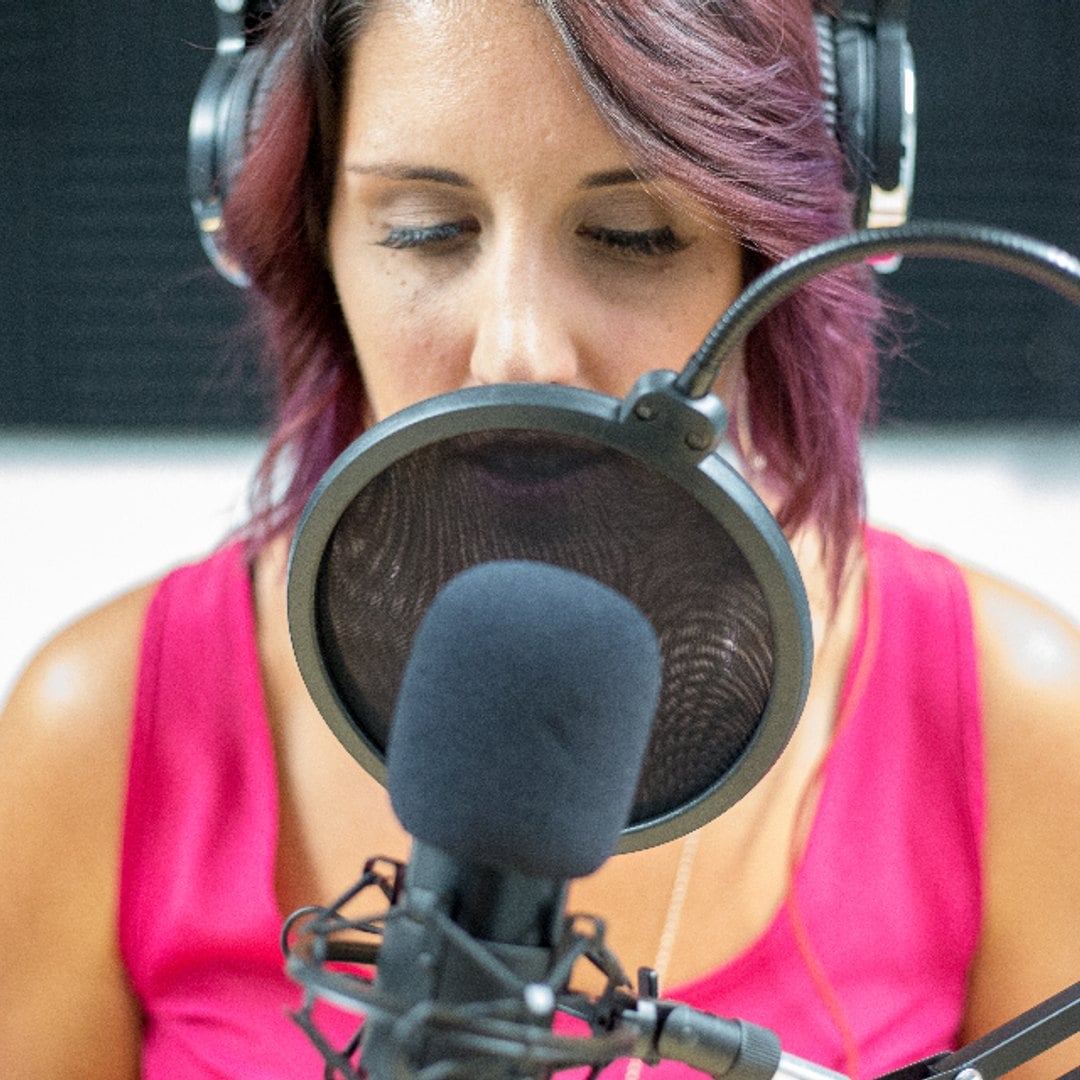
You do not need a studio, a microphone rig, or editing software to publish a podcast. With Yesodi Live Podcast you can record a live conversation in the browser, get a clean vertical video automatically, and publish it to a page that ranks on Google and AI search. This guide walks through the whole process.
Step 1 — Open a studio. From the menu, choose Live Podcast, or go to the meeting composer and tap Start Live Online Podcast. This creates your room and drops you straight into the studio design.
Step 2 — Invite your guests. Share the single invite link. Guests join from a phone or a laptop, with no account needed to appear as a guest. The active speaker rises to the top of the portrait stage and everyone gets a live microphone meter.
Step 3 — Record. Press the record button. An on-air indicator confirms you are recording, and Yesodi mixes every microphone into one clean track while it composes the vertical video in the background.
Step 4 — Review before you publish. When you stop, a review screen opens. Watch the recording back, set the title and description, and tag the guests who appear. Nothing is public yet.
Step 5 — Publish, save, or ask for approval. Publish it to your feed, save it as a draft to finish later, or require your guests to approve the episode first. Once it publishes, the episode becomes a real page with a title, description, and structured data, and the video itself carries the studio design so it looks produced anywhere it is shared.
That is the entire workflow: talk, stop, review, publish. No editing suite, no export, no upload, and no cost.