Use a Free AI Video Generator to Find the Step Your How-To Needs to Show
By Flyne AI · Flyne AI · 2026-11-09
Two pictures of a fold can leave out the detail a reader needs most. They show the tab before and after, but the reader still has to guess which way it turned. Before you make a video of the whole project, find the step where that guess matters.
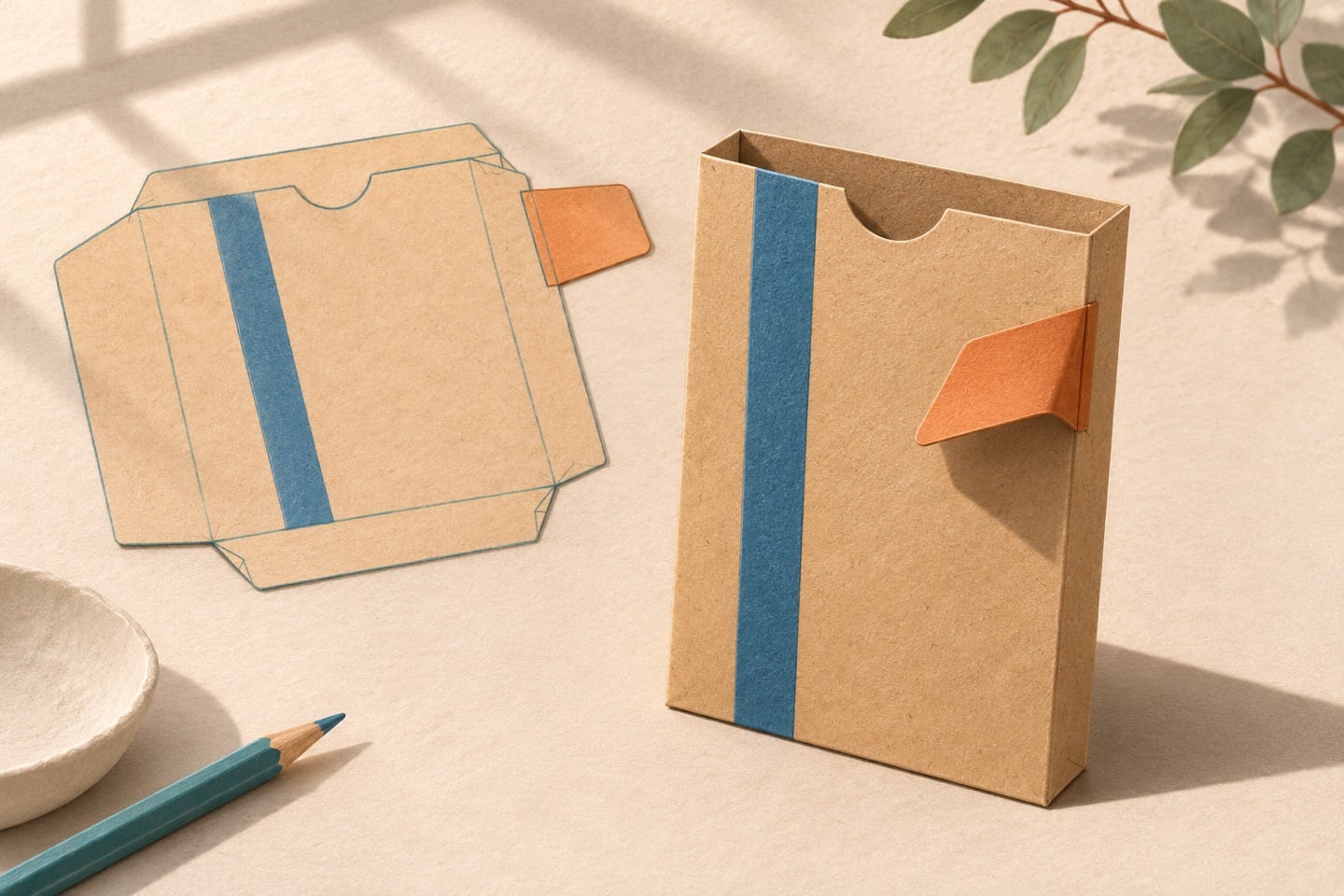
A paper sleeve makes a good test. Picture a beige sleeve with a vertical blue stripe on the front and a small orange tab with a crease at its base. The reader's job is to fold the tab inward so it lies flat on the front. Keep the stripe facing up so the reader can follow the turn from the same viewpoint.
A flat paper template sits beside an assembled beige sleeve, both marked with a blue stripe and a small orange tab.
Write the action before you pick an image Start with the sleeve already assembled and the tab open. Try the fold with a paper sample. Then write the step in the order someone needs it at the worktable.
Lay the sleeve flat with the blue stripe facing up. Lift the free end of the orange tab and turn it inward toward the blue stripe, along the crease at its base. Press the tab flat against the front of the sleeve.
Take one photo of the starting position and another when the tab lies flat. Keep the sleeve in the same orientation and leave the crease visible. A reader can match their paper against either picture. If they still want to tuck the tab underneath, add a third still with the tab partway through the fold and an arrow showing which way it turns.
Decide what a short clip would clarify Compare the three versions by the question a reader needs answered at the worktable.
Reader's question What to give them What that looks like here Which side faces up? One sentence Put the blue stripe face up before touching the tab. Where should the tab end up? Two stills at the same angle Show the open tab and the tab resting flat on the front. Which way does the tab turn? An intermediate still with an arrow, then a clip if the direction remains unclear Show the tab rising and turning inward in one continuous move. An illustrated sequence shows the orange tab lifting, turning inward and lying against the front of the beige sleeve. Use a short clip if seeing the movement would answer a question that survives the still sequence. Put it beside that one step, where someone can pause and check their own paper.
For a motion sketch, upload your two original endpoint photos to Flyne AI’s free AI video generator(https://flyne.ai/free-ai-video-generator/) in start-to-finish order. Add a prompt such as “Fixed overhead view. The orange tab bends at its crease toward the blue stripe and lies flat on the front. The rest of the paper sleeve stays still.” The form offers 100% free generation at zero credits with no signup required. Complete verification to request a five-second 480p clip.
Review the sketch against the paper sample before including it. If the tab stretches, bends at a new crease or goes under the sleeve, use the stills or film the real fold with a phone. The illustration and prompt here are planning examples. The physical fold is what makes the instruction accurate.
Read the page once with the clip closed Ask someone to follow the step using just the written instruction and stills. Watch for the first place they stop, turn the paper over or tuck the tab under. If they hesitate at the crease, mark it in the intermediate photo and bring “toward the blue stripe” earlier in the sentence. If they complete the fold but have trouble recognizing the finished state, give them a closer end photo.
A tablet shows the orange tab mid-fold beside two illustrated steps and the finished paper sleeve. Keep the text, the starting position and the finished state next to the clip. A reader can check the fold at their own pace, even with video playback turned off.
Disclosure. This article is provided by the Flyne AI team, with AI assistance in writing and illustrations.