What a Dental Clinic Should Test Before Buying an Intraoral Camera
By weiyi weiyi · 2026-11-05
Overview
A camera can produce a sharp image at a trade show and still feel awkward in a treatment room. The operator is wearing gloves, the patient is moving, and the assistant needs to save a photograph without interrupting the explanation. Under those conditions, a small delay in image capture or a poorly placed button becomes noticeable. Clinics assessing an intraoral camera should involve the people who use it throughout the day, not just the person approving the equipment budget. Image quality matters, but workflow is what determines whether the camera gets used regularly.
Practical considerations
A prospective intraoral camera manufacturer should provide real sample images taken under typical clinical lighting and, if possible, videos showing capture and freeze functions. Compare detail at useful working distances rather than relying on maximum resolution alone. The image should show tooth surfaces clearly without producing extreme reflections, and the colour should be consistent enough for patient communication. An intraoral camera can support documentation and education; it should not be presented as a substitute for a dentist's clinical examination or other diagnostic tools where those are required. Ask the purchasing team to budget for ongoing operations as well as the handpiece. Spare sleeves, protective barriers, replacement cables and software support may affect the total cost. If the clinic has several chairs, staff should also check whether cameras can be moved between rooms without losing patient-file context or increasing contamination risk.
Check how the camera connects to the clinic's existing software. Some systems are designed around a specific driver or image application, while others can integrate with common practice-management workflows. Ask whether capture buttons work inside the intended software, how images are assigned to a patient record and what happens after a computer update. An impressive image on a standalone laptop is not proof that the camera will behave inside the clinic's current setup. The IT team should also understand data-storage and access requirements, particularly where patient photographs become part of regulated health records.
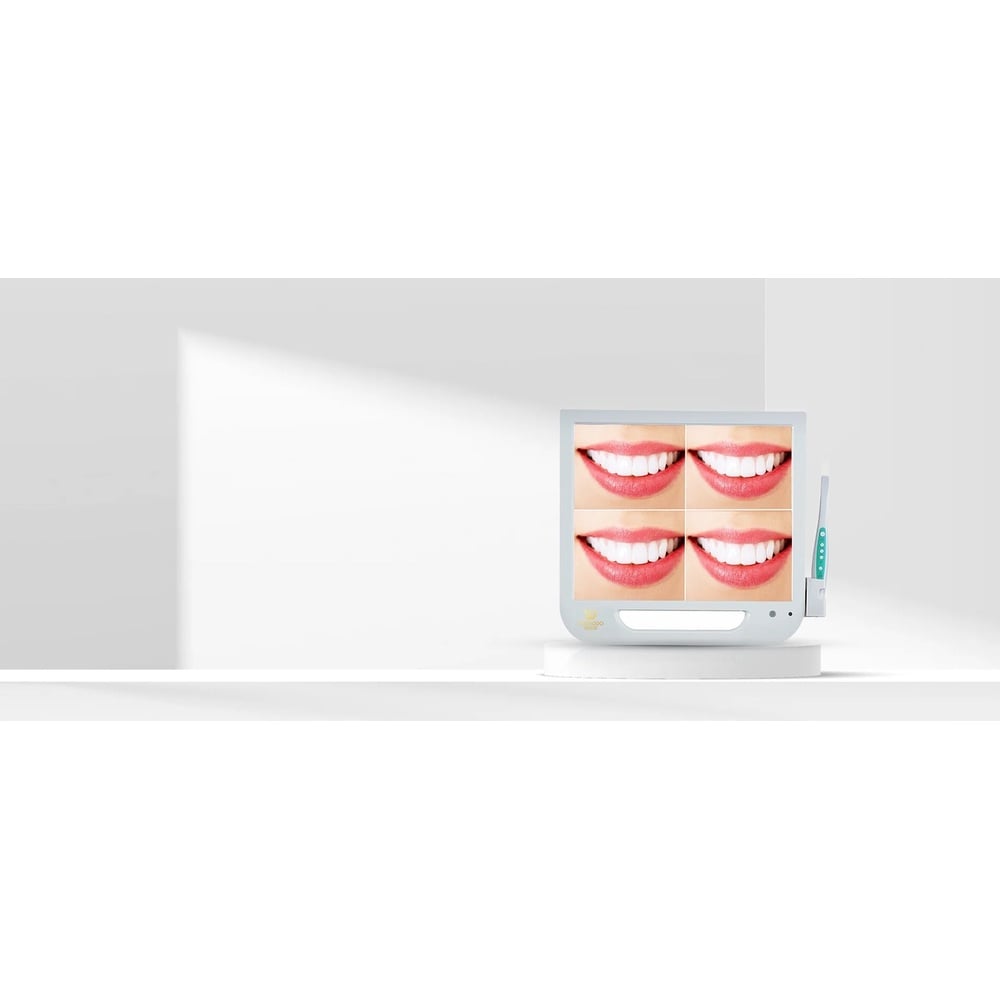
Yuedodo's dental-camera offering is a starting point for reviewing specifications and compatibility. Before procurement, request the exact model, approved cleaning instructions, software requirements, warranty terms and representative image files. A short in-clinic trial should include several operators and the clinic's existing computers. The best camera is not necessarily the one with the biggest headline resolution; it is the one that captures useful images consistently without disrupting patient care.
Infection control is not optional. The design needs to allow the appropriate protective barriers and cleaning procedure specified by the manufacturer. A sealed surface may be easier to wipe than a housing with deep joints, but every product has material limits. Confirm the disinfectants and contact times that the manufacturer permits, and check that the chosen barrier does not interfere with focus or create glare. Cables, connectors and storage holders also need attention; a camera hanging loose beside the dental chair can become a contamination and damage problem.
Handpiece weight, balance and cable flexibility are worth a live test. A bulky head can be difficult to position behind molars, and a stiff cable may pull against the clinician's hand. Evaluate button placement for both left- and right-handed users. If the camera is wireless, review charging routines and what happens when a session runs longer than expected. For wired models, inspect strain relief and the ease of replacing a damaged cable. An extra minute of setup for every patient can make a seemingly inexpensive device costly in daily practice.